Hey there!
Did you know that in today’s fast-paced business world, a well-designed business card can still make or break your first impression?
As a packaging expert who’s helped countless brands stand out, I’m excited to share with you the secrets of business card design—a small but mighty tool that ties into branding just as much as packaging does.
Whether you’re a small business owner, a freelancer, or part of a corporate team, this guide will walk you through everything you need to create a card that screams professionalism and personality.
Let’s kick things off with the most valuable info upfront. Here’s a quick table of key business card design elements to keep in mind as you craft your masterpiece:
| Element | Why It Matters | Quick Tip |
|---|---|---|
| Shape | Sets you apart from the crowd | Try rounded corners or custom cuts |
| Size | Fits local standards and wallets | Stick to 3.5 × 2 inches for North America |
| Texture | Adds a tactile experience | Use matte or embossed finishes |
| Logo | Defines your brand instantly | Make it bold but balanced |
| Text | Delivers your message clearly | Keep it simple and readable |
| Font | Reflects your style | Pair a max of two fonts |
| Finishing Touches | Elevates perceived value | Add foil or UV coating sparingly |
Ready to dive in? Let’s explore how you can design a business card that not only shares your contact info but also tells your brand’s story in a way that sticks with people. Trust me, by the end of this, you’ll be itching to get started!
Why Business Card Design Still Matters in a Digital World
Picture this: You’re at a networking event, shaking hands, and swapping stories. Then, you hand over a sleek, thoughtfully designed business card. Instantly, the person you’re talking to perks up. Why? Because business card design isn’t just about sharing your email—it’s about making a statement.
In a world dominated by Zoom calls and LinkedIn, a physical card feels rare and special. It’s your chance to stand out. Did you know? Studies show that 88% of business cards get tossed within a week—but a unique, eye-catching design can boost your odds of being remembered. So, how do you make sure yours isn’t one of the forgotten ones? Let’s break it down.

The Building Blocks of Stunning Business Card Design
Great business card design is like a perfectly packed box—it’s functional, beautiful, and leaves a lasting impression. Here’s how you can nail every detail.
1. Shape: Dare to Be Different

Think all business cards have to be rectangles? Think again! The shape is your first chance to grab attention.
- Square Cards: Compact and modern, they feel fresh and bold.
- Rounded Corners: Soft and approachable, perfect for friendly brands.
- Die-Cut Shapes: Cut your card into your logo or product shape for a wow factor.
Your Move: What shape matches your vibe? If you run a bakery, why not a card shaped like a cupcake? Keep it tied to your brand, and you’re golden.
2. Size: Fit the Pocket, Fit the Culture
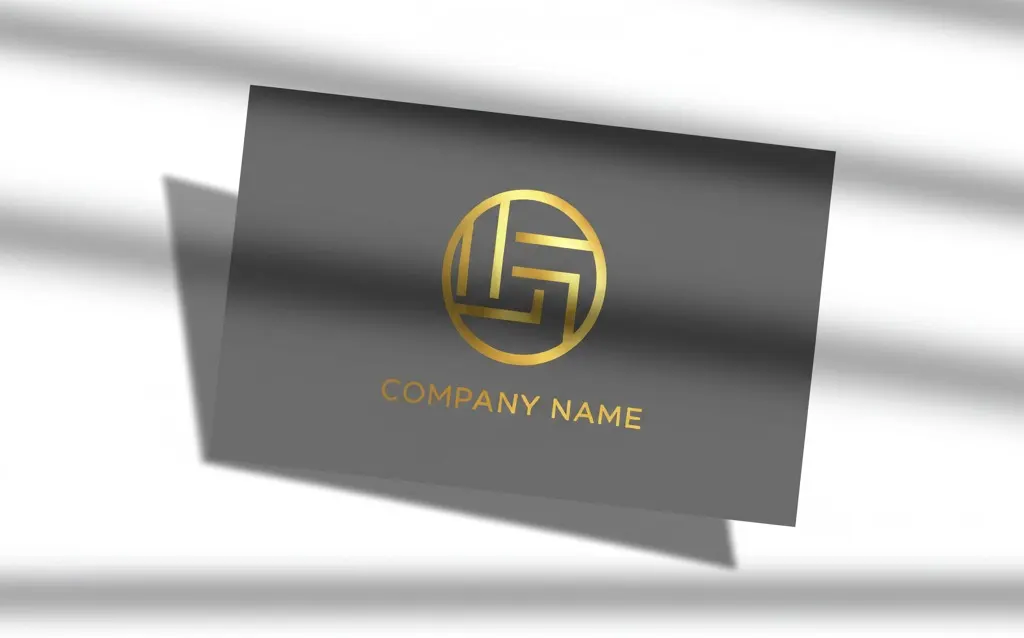
Size matters—especially when your card needs to slide into a wallet or cardholder. Here’s a quick rundown of standard sizes:
- North America: 3.5 × 2 inches (88.9 × 50.8 mm)
- Europe: 3.346 × 2.165 inches (85 × 55 mm)
- Oceania: 3.54 × 2.165 inches (90 × 55 mm)
Pro Tip: Stick to the local standard where you do business. And always leave a 0.3-inch (8 mm) margin around the edges to keep your design safe from the cutting blade.
3. Texture: Feel the Difference
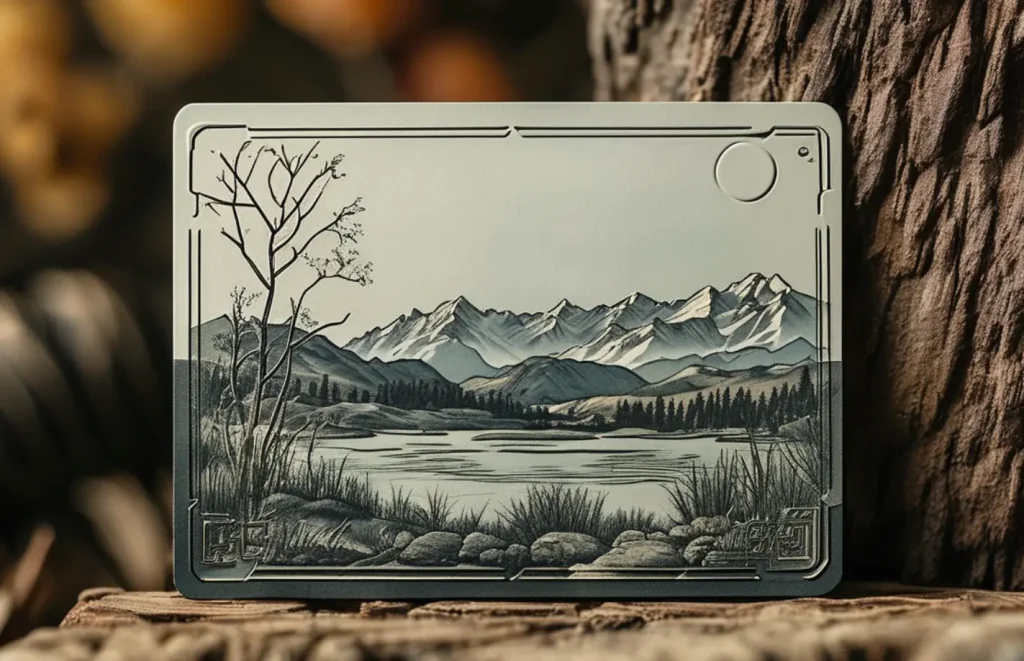
Ever run your fingers over a card and thought, “Wow, this feels premium”? That’s the power of texture.
- Smooth Finishes: Think velvet-like coatings for a luxe touch.
- Rough Textures: Handmade paper vibes scream authenticity.
- Embossed Details: Raised text or logos add depth.
Ask Yourself: Does your brand have a texture story? If you sell wooden furniture, a wood-grain card could tie it all together.
4. Logo and Images: Your Visual Hook
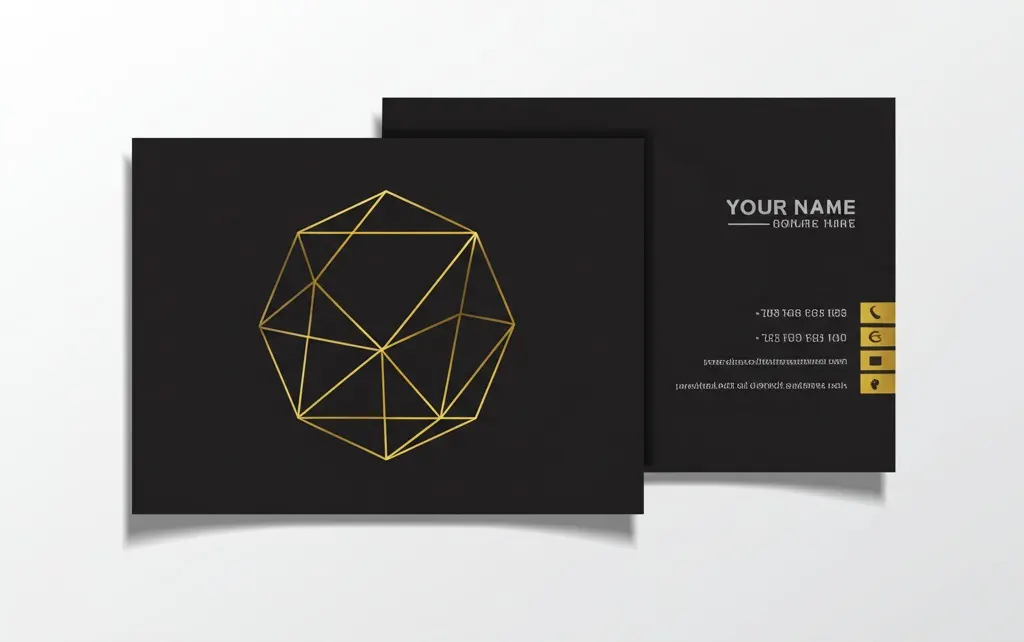
Your logo is the star of the show. It’s what people will remember long after they’ve tucked your card away.
- Front and Center: Place it boldly on one side.
- Double-Sided: Use one side for the logo, the other for details.
- Keep It Clean: Skip extra images unless they’re essential—like a tiny social media icon.
Design Hack: Test your logo at a small size. If it’s still clear, you’ve got a winner.
5. Text: Say It Loud, Say It Clear

Your text isn’t just info—it’s a call to action. Here’s what you need:
- Must-Haves: Your name and company (if applicable).
- Nice-to-Haves: Phone, email, website, or social handles.
- Action Words: “Call me,” “Visit us,” or “Let’s connect.”
Your Turn: What’s your goal? If you’re a photographer, “Check my portfolio” could nudge them to your site.
6. Fonts and Layout: Style Meets Readability

Fonts set the tone, and layout keeps it tidy.
- Font Picks: Serif for classic, sans-serif for modern. One or two fonts max.
- Size Matters: 8pt minimum for body text, bigger for your name.
- Alignment: Line things up neatly—chaos is not your friend here.
Quick Tip: Print a test card. If you squint and can still read it, you’re on the right track.
7. Finishing Touches: The Cherry on Top

Want to take your business card design to the next level? Add some flair.
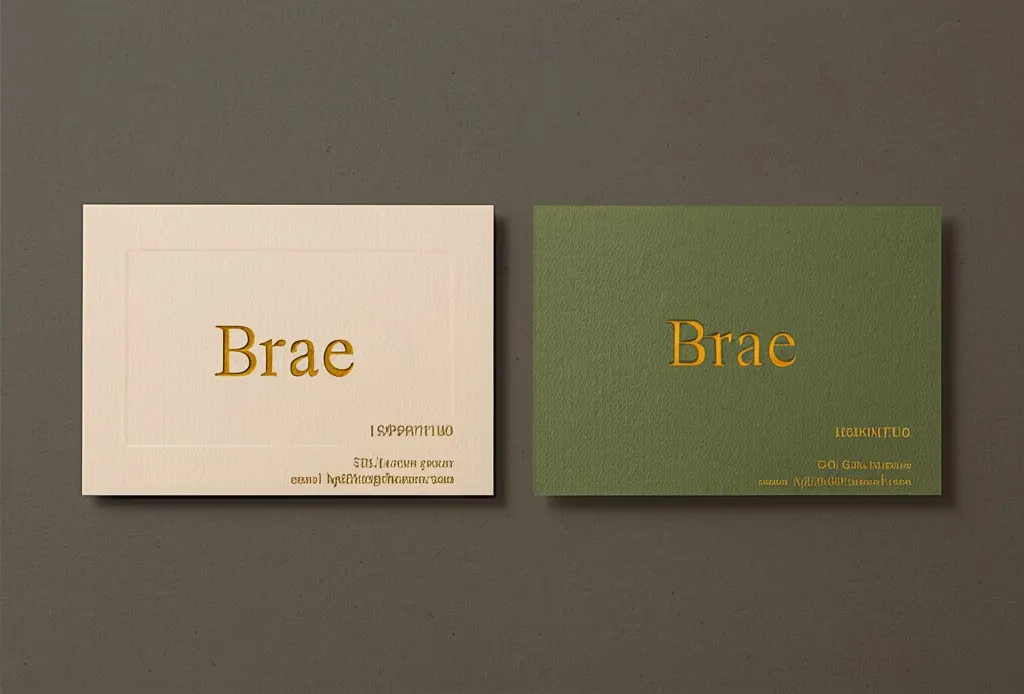
- Foil Stamping: Gold or silver for a luxe pop.
- Spot UV: Glossy highlights on a matte card—subtle yet striking.
- Embossing: Raised elements you can feel.
Word of Caution: Don’t overdo it. One or two extras keep it classy, not cluttered.
Before You Start Designing: Get Ready
Hold up—before you jump into business card design, let’s make sure you’ve got your ducks in a row.
- Know Your Purpose: Is this for personal use or your company? Personal cards can flex more creativity; company ones need to match the brand.
- Have Your Logo Ready: No logo, no card. It’s that simple.
- Brand Guidelines: Colors, fonts, vibe—stick to them like glue.
Checklist Time: Got all three? Awesome. You’re ready to roll.
How to Design Your Own Business Card (Step-by-Step)
Feeling inspired? Let’s get practical. Here’s how you can create a killer card from scratch.
Step 1: Pick Your Tools
- For Pros: Adobe Photoshop or Illustrator if you’re comfy with design software.
- For Beginners: Online editors like Canva or Packhelp’s drag-and-drop tool.
Your Call: No design skills? No problem. Start with something simple and user-friendly.
Step 2: Sketch It Out
Grab a pen and paper. Jot down:
- Where your logo goes.
- What text you’ll include.
- Any shapes or extras.
Why This Helps: A rough sketch saves you tons of tweaking later.
Step 3: Go Digital
Open your tool and:
- Set the canvas to your region’s standard size.
- Add your logo and text, keeping that 8 mm margin.
- Play with colors and fonts till it feels you.
Pro Move: Zoom out. Does it still look good? Adjust as needed.
Step 4: Print Like a Pro
Design done? Time to bring it to life.
- Check Resolution: 300 DPI for crisp printing.
- Choose a Printer: Local shops work, but Pakoro offers fast, affordable options with packaging perks.
Click Here: Try Packhelp’s editor to design and print in one go.
Business Card Design Inspiration: Real-World Examples
Need a spark? Check out these standout cards:
- Juke Box Design: Bold colors and embossing—feels like a collectible.
- Leah Sylvia Creative: Gold text on both sides, simple yet elegant.
- Miguel Trias: Minimalist with edge-aligned text—super sleek.
- Carddsgn: Rainbow foil on black—impossible to ignore.
- Cuba Gallery: Just “Hi” and a logo. Less is more, right?
Your Challenge: Which vibe fits your brand? Steal a trick or two!
Wrapping It Up: Your Turn to Shine
So, what’s the takeaway? Business card design is your secret weapon to leave a mark. It’s not just a card—it’s your brand in someone’s pocket. With the right shape, size, texture, and finishing touches, you’ll have a card that people won’t toss out.
Now, I want to hear from you. What’s your next step? Will you go bold with a die-cut shape or keep it sleek with a minimalist layout? Whatever you choose, have fun with it. This is your chance to show the world who you are, one card at a time.
Ready to Start? Grab your tools, sketch your ideas, and let’s make a business card that turns heads. You’ve got this!